On this page
You pushed five commits with terrible messages. Then you merged main into your branch to stay current. Now git rebase -i HEAD~5 wants to process 40 commits, replay a merge, and re-resolve conflicts you already resolved.
Standard advice is “don’t rebase after merging.” That advice is right, and also useless once you’ve already done it. Here’s what I do.
The Approach
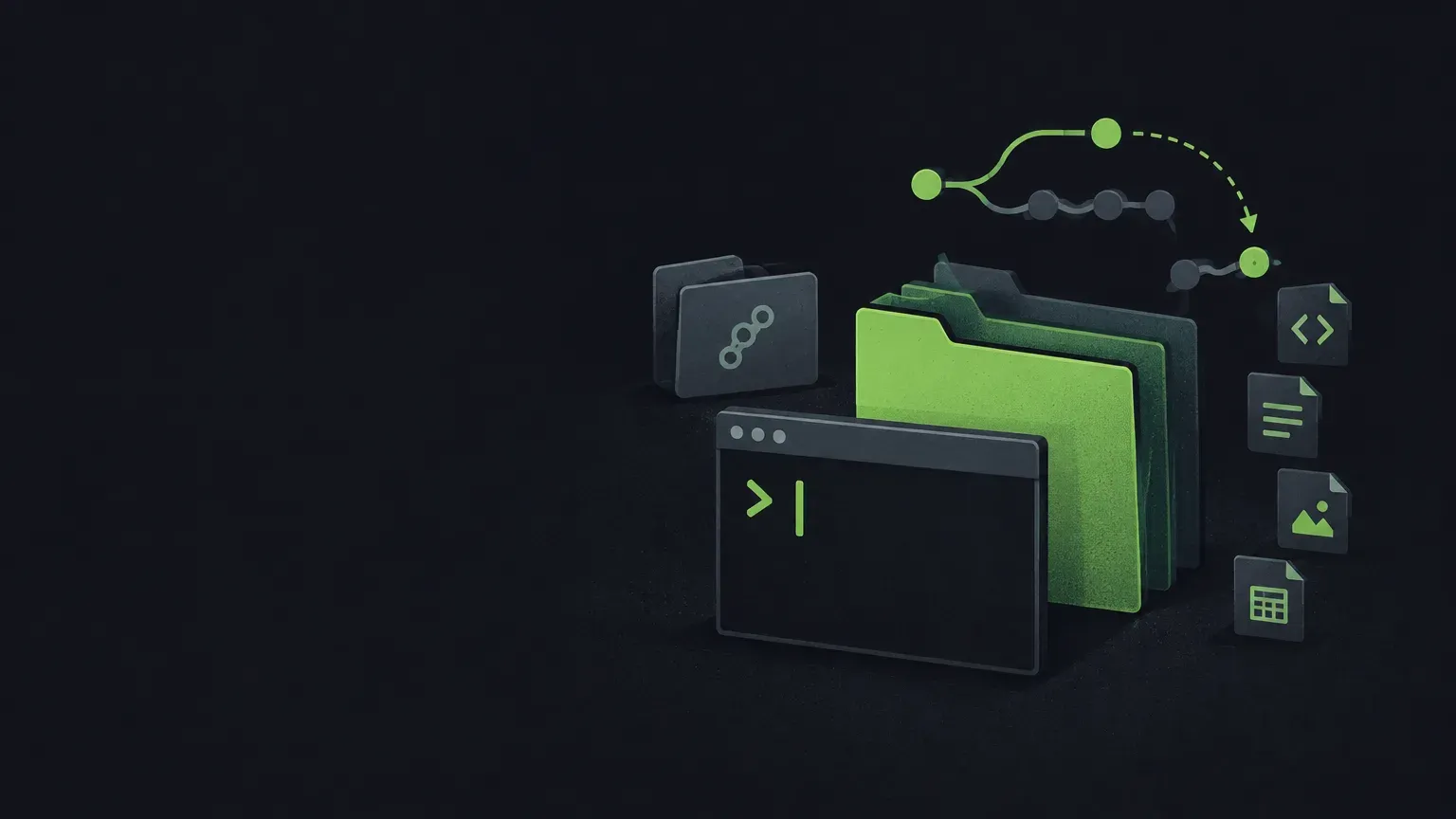
Don’t try to untangle the merged history. Build a clean branch in a separate worktree, cherry-pick just your commits onto it, reword there, then force-push over the original.
Step 1: Worktree off the target branch
git worktree add ../repair-shop -b clean-fix origin/sprint-target
cd ../repair-shop
New directory, new branch based on your actual target, zero merge history. Your original working directory is untouched.
Step 2: Cherry-pick your commits
git cherry-pick <oldest-hash>^..<newest-hash>The ^ includes the oldest commit in the range. If you don’t remember the hashes, git log --oneline in the original directory shows them. You now have your five commits sitting on a clean base.
Step 3: Reword
git rebase -i HEAD~5Linear history, no merge to replay. Change pick to reword on whichever commits you want to fix, save, edit each message.
Step 4: Replace the remote branch
git push origin clean-fix:story/your-branch-name --force-with-leaseThe local:remote syntax pushes your clean branch over the messy remote one. --force-with-lease aborts if someone else pushed since you last fetched. If you need to update your local branch pointer too, switch to it in your original directory and git reset --hard origin/your-branch-name.
Cleanup
cd /path/to/original/repo
git worktree remove ../repair-shop
git branch -D clean-fix
Gotchas
- Locked worktree error if you try to force-update a branch that’s checked out elsewhere. The
local:remotepush syntax sidesteps this. - Force push is destructive.
--force-with-leasehelps but isn’t foolproof. Make sure nobody else is on your branch. - No merge commits in the result. For most teams that’s a feature. If your team requires merge commits for audit/policy reasons, don’t do this.
- Uncommitted changes in the original directory stay put. Worktrees are independent.
tl;dr
- Merging into your branch makes interactive rebase unworkable
- Worktree + cherry-pick isolates your commits on a clean base where rebase works normally
- Push with local:remote syntax and --force-with-lease to replace the remote
- Only do this solo — coordinate before rewriting shared history